
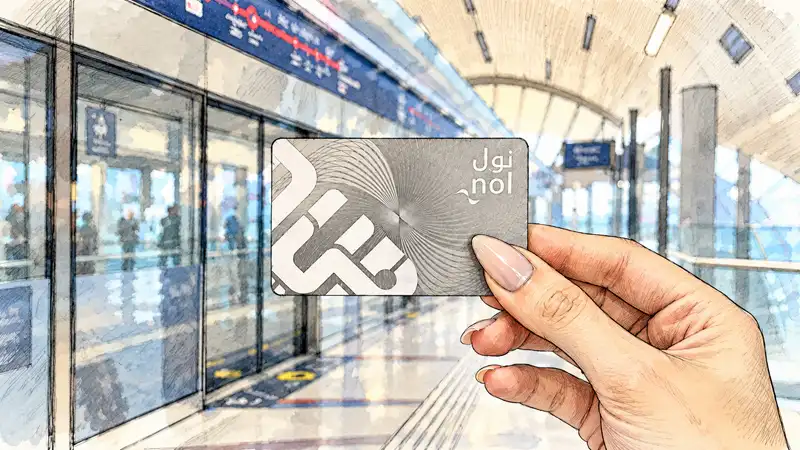
You can check a Nol card balance in four places: the RTA website, the nol Pay app, a station ticket machine and the gate itself. The website and app need the Tag ID printed on the back of the card. The machine and gate need only the card. If you topped up in the last few hours, the new credit may still be pending, and the card must be tapped once before the balance counts.
Four ways to check, side by side
| Method | What you need | What you see | Best for |
|---|---|---|---|
| RTA website | Tag ID from the back of the card | Balance and pending top ups | A check from any browser |
| nol Pay app | NFC phone, the app and the card | Balance, recent trips, top up options | Regular riders |
| Ticket machine | The card | Balance on screen | Checking inside a station |
| Metro gate | The card | Balance for a second or two after each tap | A quick glance as you enter or leave |
An RTA service centre can check the card for you, and it is the place to go for a blocked, damaged or lost card.
Why a fresh top up can show as pending
A balance added online or through an app does not reach the card chip straight away. It waits as pending credit until the card is tapped on a reader that can write it. The RTA says this normally takes between 45 minutes and four hours after the payment, per Gulf News (August 2025).
The same article lists six places where a tap activates the credit: Metro and bus gates, tram card readers, bus validators, parking meters, solar-powered machines and the nol Pay app, which updates the balance after a second tap. The nearest of these on your way to the station is usually enough.
Topped up online and the balance has not appeared? Tap the card at any gate or ticket machine, or scan it again in the nol Pay app. The pending credit is then written to the card. Expect a wait of up to four hours after an online payment, so top up before you leave home, not at the platform.
Check on the RTA website
Open the RTA website, go to the Nol balance page and enter the Tag ID from the back of the card. No login is needed. The page shows your balance and any pending top up. As it asks only for the Tag ID, you can check a family member's card if you have their number.
Check in the nol Pay app
The app gives the fullest view. Sign in, then read a registered card from your account or hold a physical card against the back of your phone. You see the balance and recent trips, and you can top up from the same screen. It suits anyone who rides most days.
Check at a machine or gate
In any station, tap the card on a ticket machine and choose the balance option. Cash top ups at a station ticket office start at AED 50 since 17 August 2024, per Gulf News. The article states no minimum for ticket machines or apps, so use those for smaller amounts.
The gates show your balance for a second or two after every tap in or out. That is the easiest check of all, but it comes after you have already entered, so look before you reach the gate if the card is low.
How much you need on the card
Fares run from AED 3 for one zone to AED 7.50 for three or more zones on a Silver card, per the RTA Nol fares page. Keep at least the fare for your longest trip on the card. Riding without a valid card or enough credit carries an AED 200 fine, as listed in the rules and fines guide.
- Silver and Gold cards hold up to AED 1,000.
- A Blue card holds up to AED 5,000.
- The Tag ID sits on the back of the card, so photograph it once and store the image.
Balance checks will move to an account
The RTA is replacing card-based ticketing with an account-based system. It reports the upgrade as 72 per cent complete, with rollout set for early 2027, per Gulf News (July 2026). Planned features include linking several Nol cards, family cards among them, balance recovery, card blocking and automatic top ups from a bank account. The article does not say what happens to existing cards, so keep using the methods above until the RTA announces dates.
New to the system? Start with how to use the Dubai Metro, then compare card types in the Nol card guide. Journey times and the last train each night are on the timings page.
Dubai Metro Planner is independent and not affiliated with the RTA. Methods, limits and fees can change. Confirm current details with the RTA.